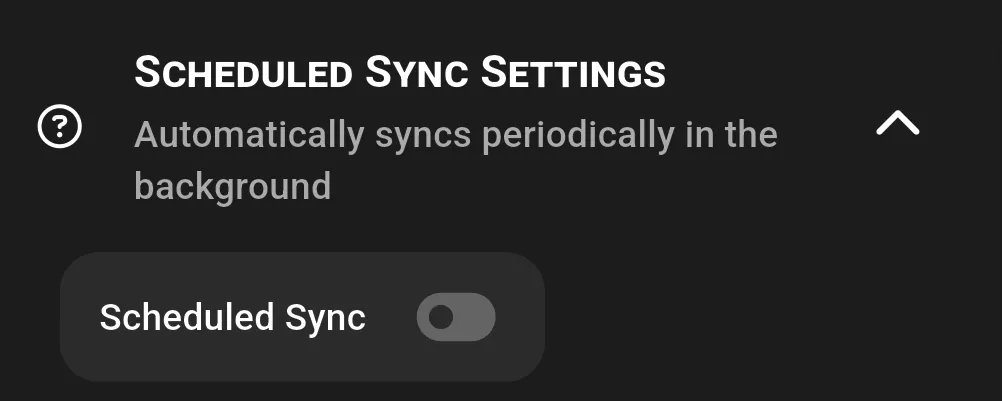
Syncs periodically in the background
-
Android
- Scheduled sync can run every n minutes, hours, days, or weeks
- Minimum interval is 15 minutes
- To ensure consistent background sync, disable battery optimization:
- Go to Settings > Apps > GitSync > Battery
- Set Battery optimization to Unrestricted
- (For Samsung devices: Settings > Device Care > Battery > Background usage limits > Whitelist GitSync)
-
iOS
- Sync runs as often as the OS permits
- Minimum can be 15 minutes, but may start much slower (sometimes days)
- Frequency usually stabilizes with regular app usage
- Scheduled sync is disabled if the app is closed or if the device enters power saving mode
Enhanced Scheduled Sync (iOS only)
Subscription feature, App Store version only. See Premium Features for full details.
On iOS, standard scheduled sync is limited by background execution restrictions and may be infrequent (sometimes once every few days).
Enhanced Scheduled Sync uses silent push notifications to request syncs more regularly, as often as once per minute, even in the background. This feature requires a subscription and improves reliability for background syncing without needing the app to be opened manually.
See also: App Sync, Quick Sync, Premium Features