These features are available via the one-time "Premium" purchase.
Multi-Repository Support
GitSync supports managing multiple Git repositories in one place using repository containers. A repository container is the combination of auth, repo and sync config, in this context.
Adding a Repository Container

-
Click the Add Repository Container button (top-right).
-
You may be prompted to complete the one-time premium purchase.
-
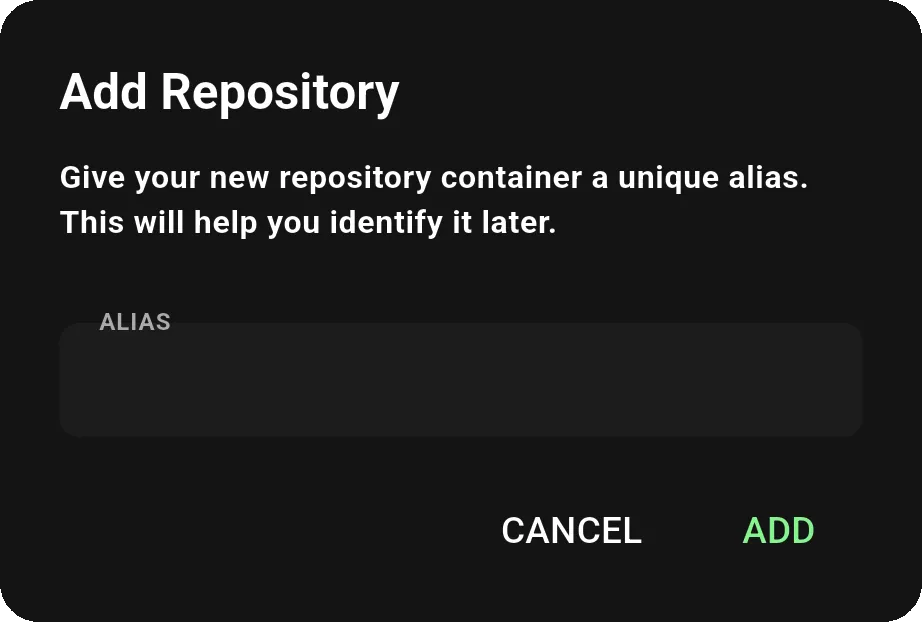
Enter an alias (nickname) for quick reference.
-
A repository container includes your auth and repository settings.
Once created, each container allows you to manage a new, independent repository.
Container Settings

- Use the dropdown to switch between repository containers.
- Click the ellipsis to expand the container menu.

- Add: Add additional repositories to the current container.
- Delete: Delete the container (optionally delete its contents).
- Rename: Rename the container alias.
Enhanced Scheduled Sync (iOS Only)
This feature is only available on iOS.
Enhanced Scheduled Sync provides automated background syncing on iOS, with intervals as low as once per minute. See Scheduled Sync for general scheduled sync setup.
- Sync as often as every minute - set your preferred sync frequency
- Server push notifications trigger syncs instantly when changes are pushed remotely
- Works in the background - syncs even when the app is closed
- Reliable, on-schedule delivery - no need to keep the app open
Git LFS
Full support for Git Large File Storage. Sync repos with large binary files effortlessly.
- Full Git LFS support - track large binary files with patterns (e.g.,
*.png,assets/**) - Automatic LFS pull/push during sync
- Add files to LFS directly from the file explorer
Git LFS requires HTTPS authentication. SSH repositories cannot push or pull LFS objects.
Git Filters
Support for git filters including git-lfs, git-crypt, and more coming soon.
- git-lfs filter - track large files efficiently with Git LFS
- git-crypt filter - encrypt and decrypt sensitive files transparently
- Key management: generate, import, and export encryption keys
- Lock/unlock encrypted files
- Managed via
.gitattributeswith a visual rule editor- Preview mode: add, edit, and delete filter rules with pattern hints (e.g.,
*.png,docs/**,secret.key) - Raw mode: edit the
.gitattributesfile directly
- Preview mode: add, edit, and delete filter rules with pattern hints (e.g.,
- More filters coming soon
See also: FAQ, File Explorer, Troubleshooting