For a comparison of Sync Mode and Client Mode, see Sync Mode vs Client Mode.
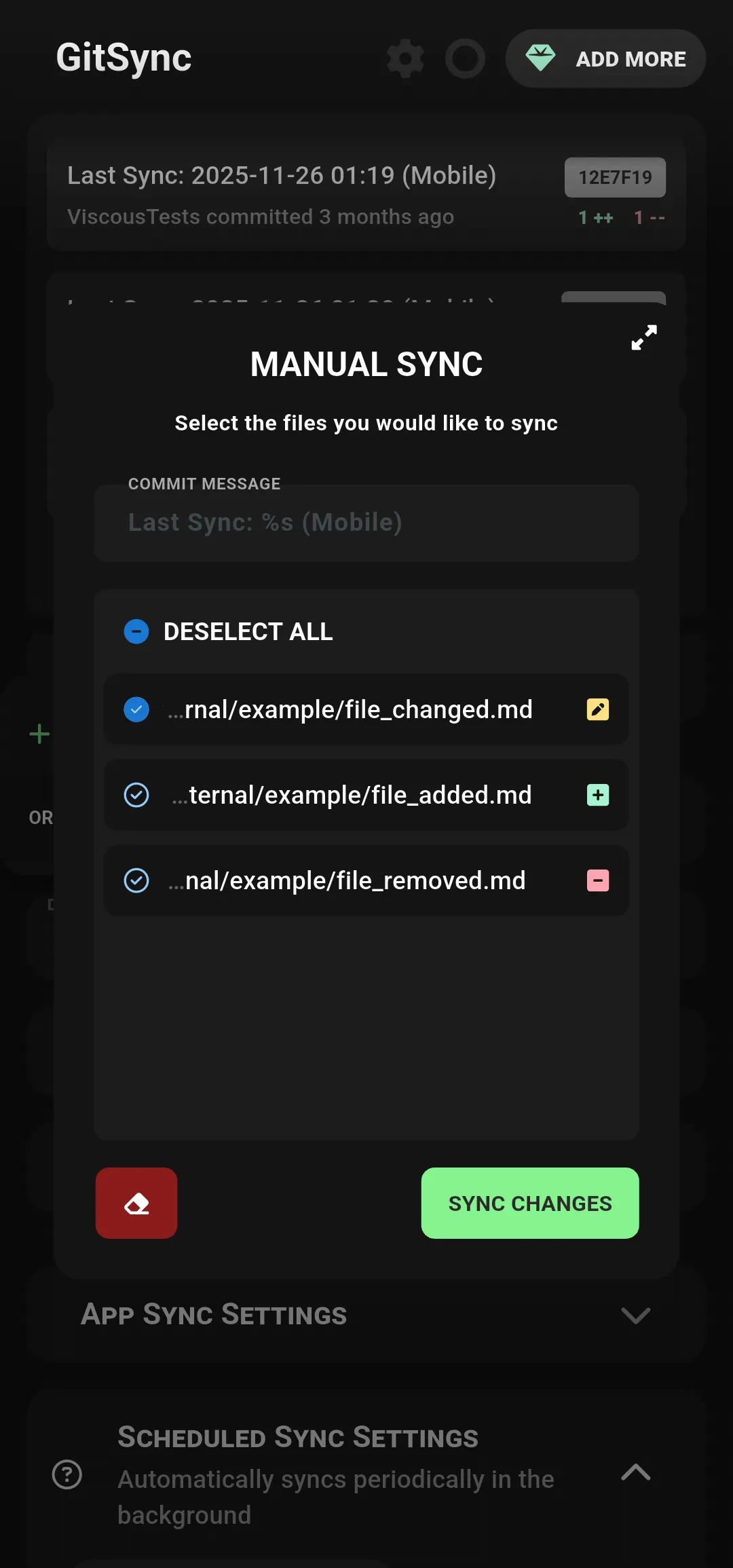
Sync All Changes
This cannot be used when there is an ongoing merge conflict.
- Triggers a complete synchronization process that includes pulling remote changes followed by pushing local changes.
Fetch Origin
This cannot be used when there is an ongoing merge conflict or any uncommitted changes.
- Fetches all changes from the remote repository without merging or modifying local files.
Pull Changes
This cannot be used when there is an ongoing merge conflict or any uncommitted changes.
- Pulls and automatically merges any remote changes into the local repository.
Stage & Commit
Make sure all changes are reviewed before staging and committing.
- Prepares local changes to be recorded in the repository by staging and then committing them with a descriptive message.
Push Changes
This cannot be used when there is an ongoing merge conflict or if the local branch is not up to date with the remote branch.
- Pushes local commits to the remote repository.
Force Push
This should be used with caution as it can overwrite changes on the remote repository.
- Forcefully pushes local changes to the remote, overwriting the history if necessary.
Force Pull
This will replace local changes with remote changes and may result in data loss.
- Forcefully pulls remote changes, discarding any local modifications to match exactly as the remote repository.
See also: Sync Mode, Merge Conflict Resolution, FAQ