


GitSyncMobile Git Client for iOS & Android
GitSync is a mobile git client for iOS and Android that simplifies syncing folders between git remotes and your local directories. Set it up once and let it sync in the background.



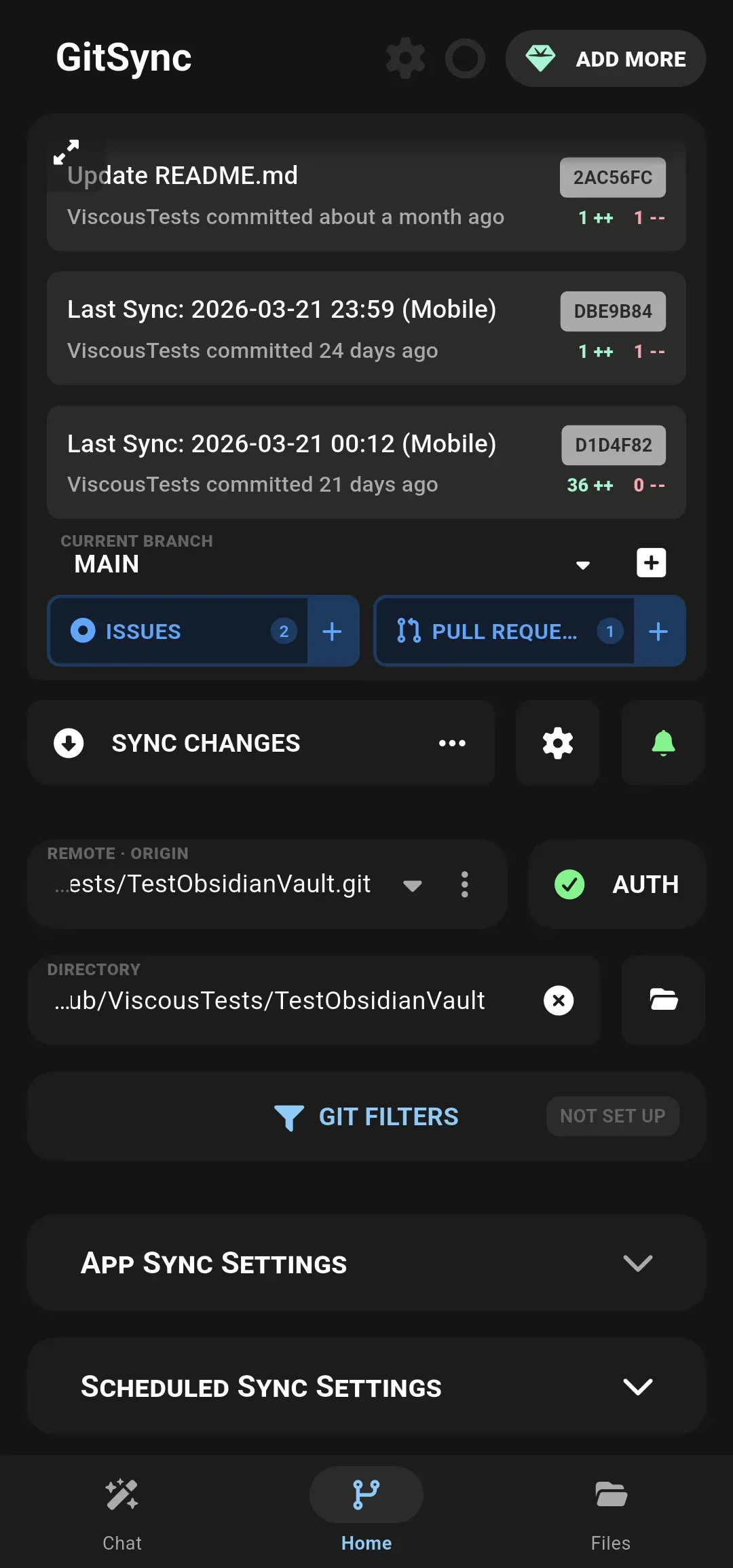







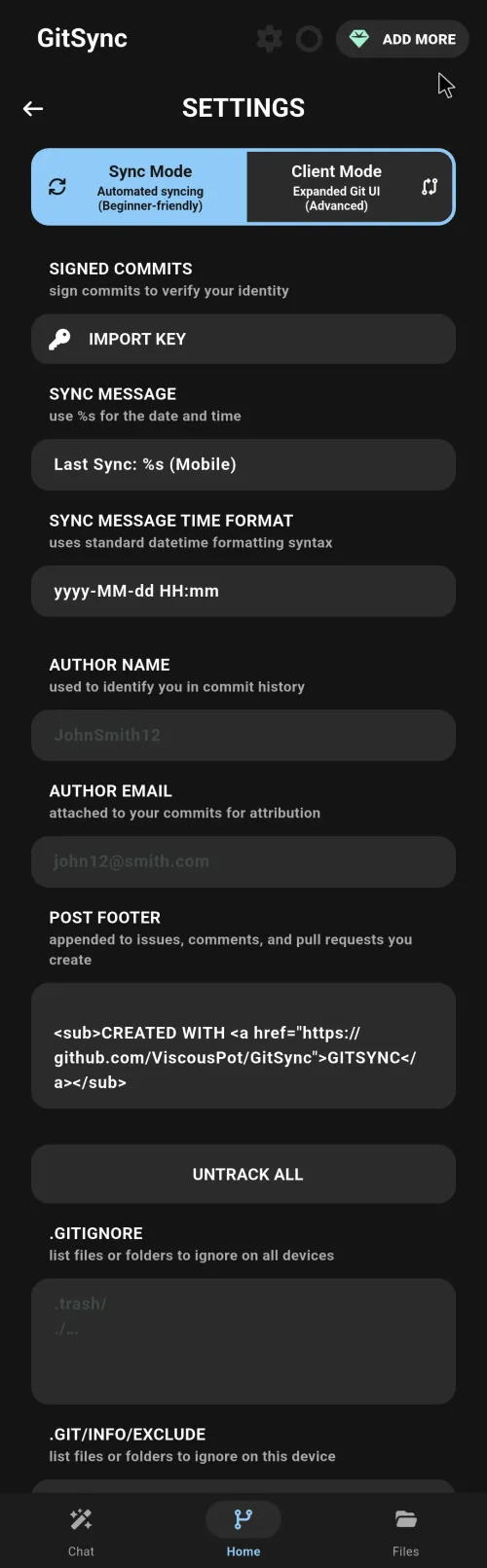

Effortless Git File Syncing
It works in the background to keep your files synced with a simple one-time setup and numerous options for activating manual syncs
Easy Git Sync
Sync your local folders with remote repositories on GitHub, GitLab, Gitea, or any self-hosted git server. GitSync keeps your files up to date in the background with minimal setup.
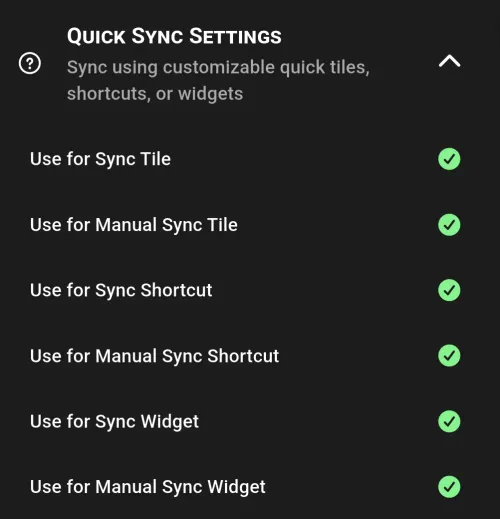
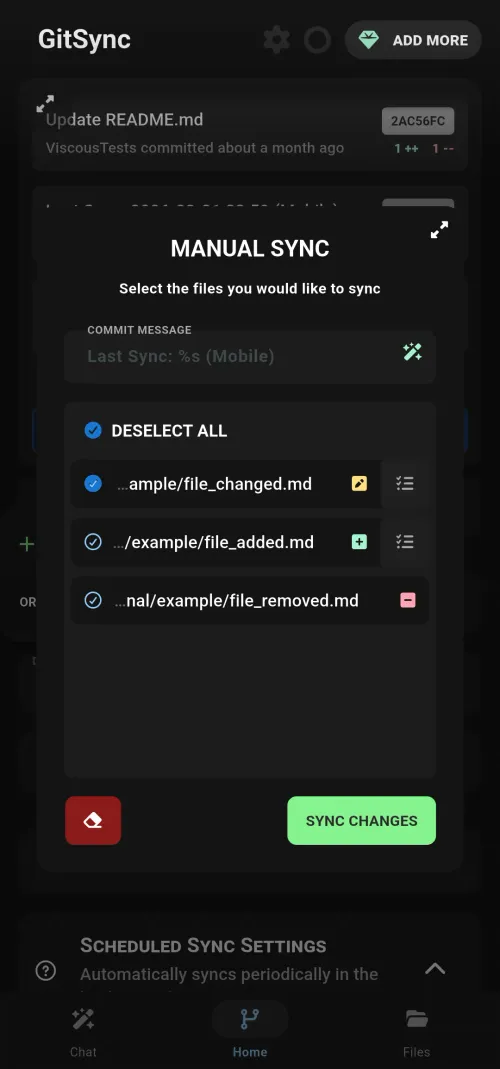
Customizable Sync Triggers
Choose when and how to sync your repositories. Trigger syncs manually, on a schedule, on app open or close, through home screen widgets, Siri Shortcuts, or Android Tasker intents for full control over your workflow.
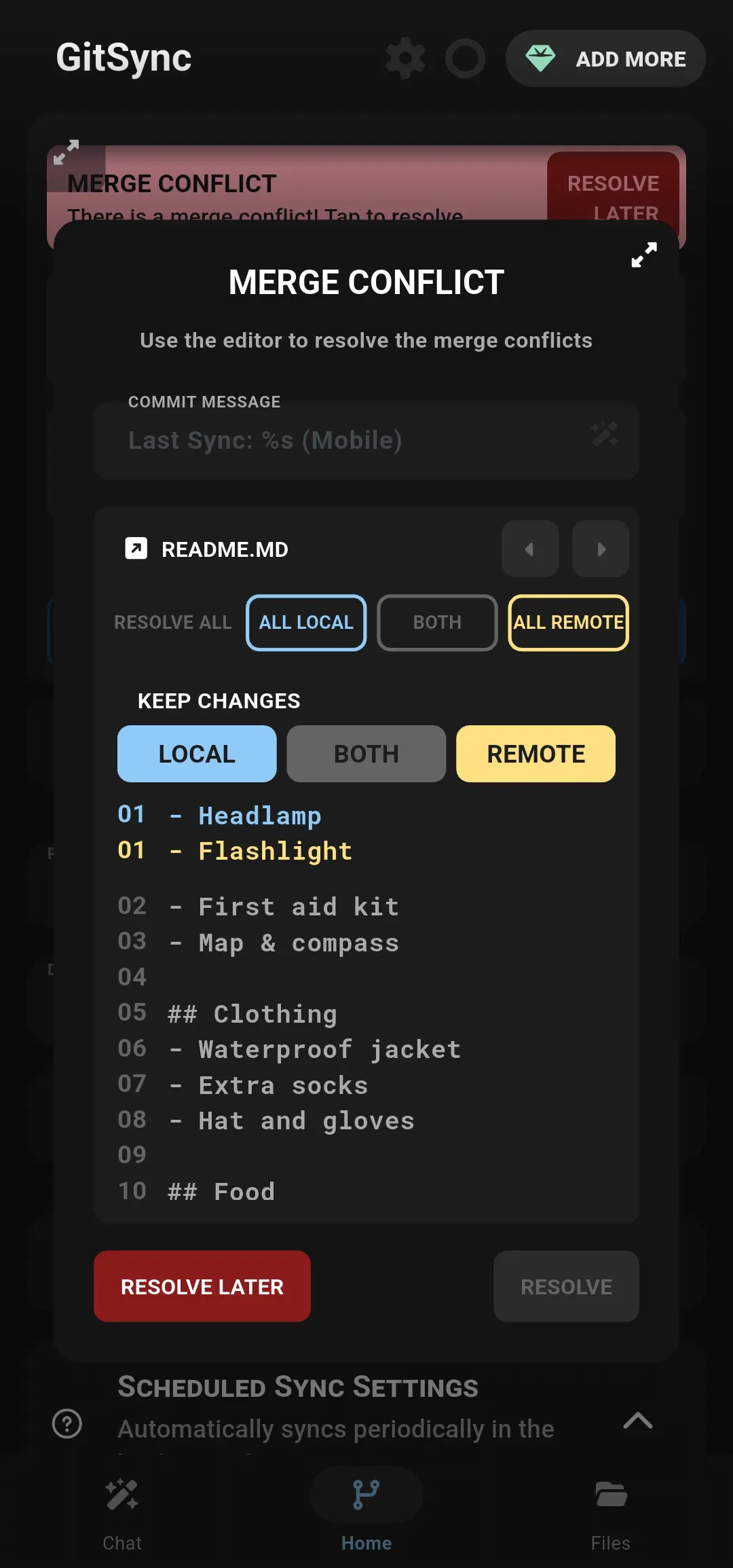
Sync Conflict Management
Handle merge conflicts with the built-in conflict resolution UI and keep track of your commits. GitSync allows you to fetch, pull, commit, and push changes seamlessly, making version control straightforward on mobile.
Sync Your Obsidian Vault & Notes
Sync your Obsidian vault, Logseq graph, or any markdown-based knowledge base between your phone and desktop through git. Full offline access to all your notes, with every edit tracked as a git commit.
Complete Version History
Every sync is a git commit. Review changes, revert mistakes, and trace the full history of your notes and documents. Your knowledge base gets the same version control that developers rely on for code.
Works With Your Tools
Compatible with Obsidian, Logseq, iA Writer, 1Writer, and any markdown editor. Connect to GitHub, GitLab, Gitea, or your own self-hosted git server.
Scheduled Background Sync
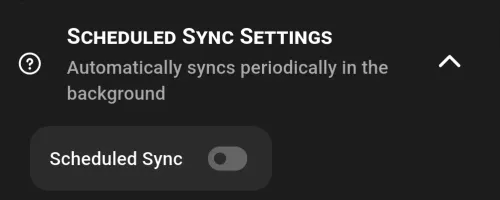
Set sync intervals from every 30 minutes to weekly. GitSync runs in the background with no manual intervention required, keeping your repositories up to date automatically.
App & Event Triggers
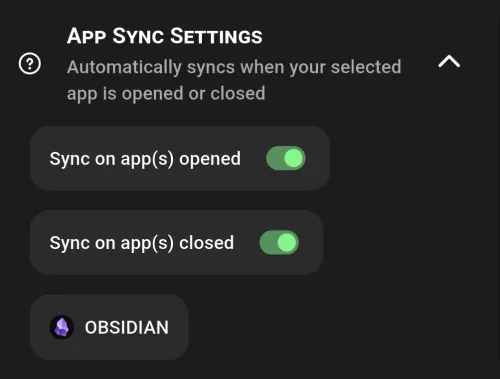
Sync automatically when specific apps open or close. Integrate with Tasker on Android or Shortcuts on iOS to build fully custom automation workflows around your git repositories.
Widgets & Quick Actions
One-tap sync from your home screen widget, Android quick settings tile, or Siri Shortcut. Sync your files without even opening the app.
Self-Hosted Git Servers
Connect to your own Gitea, GitLab, or bare git server. Keep full control over where your data lives without relying on third-party cloud services.
SSH & Encrypted Repos
Authenticate with SSH keys for secure access. Encrypt sensitive files with git-crypt and sign your commits with GPG, all from your mobile device.
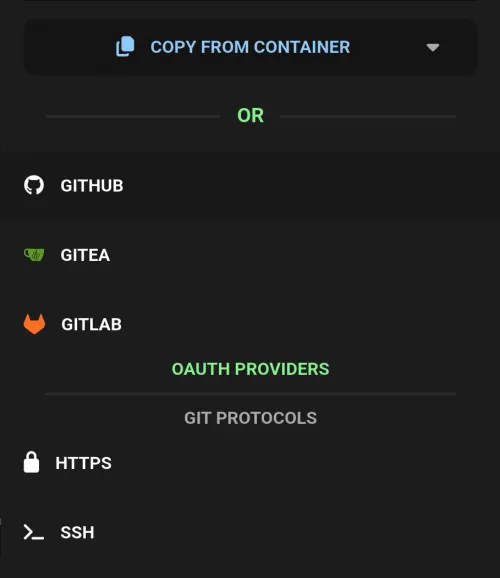
Flexible Authentication
OAuth support for GitHub, GitLab, and Gitea. HTTPS and SSH options with per-repository credential isolation to keep access between projects separate.
Offline-First: Work Anywhere, Sync Anytime
GitSync clones the full repository to your device so you can read, edit, and search your files without an internet connection. When connectivity returns, your changes sync automatically. Git LFS support is available for repositories with large files like PDFs and images.
Frequently Asked Questions
Can GitSync sync my Obsidian vault?
Yes. GitSync syncs any folder with a git remote, including Obsidian vaults, Logseq graphs, and any markdown-based knowledge base. Set up your vault's git repository and GitSync handles background sync automatically.
Does GitSync work offline?
Yes. GitSync clones the full repository to your device so you can read, edit, and search files without internet. When connectivity returns, it automatically syncs your changes.
Which git servers does GitSync support?
GitSync works with GitHub, GitLab, Gitea, and any self-hosted git server accessible via SSH or HTTPS.
Is GitSync free?
GitSync offers a free tier with core features including sync, background triggers, conflict resolution, and widgets. Premium is a one-time purchase that adds multi-repo sync, iOS scheduled sync, and git filters (LFS & git-crypt).
How does GitSync handle merge conflicts?
GitSync includes a built-in merge conflict resolution interface. When concurrent edits create conflicts, you can review and resolve differences directly on your mobile device.
A Fair Price for Your Needs
No subscriptions for premium users.
Pay once, and own it forever.
| Feature | Free | Premium |
|---|---|---|
| Sync, Fetch, Pull, Push | ||
| Background Sync & Triggers | ||
| Conflict Resolution | ||
| Widgets & Shortcuts | ||
| Multi Repo Sync | ||
| iOS Scheduled Sync | ||
| Git Filters (LFS & Crypt) |